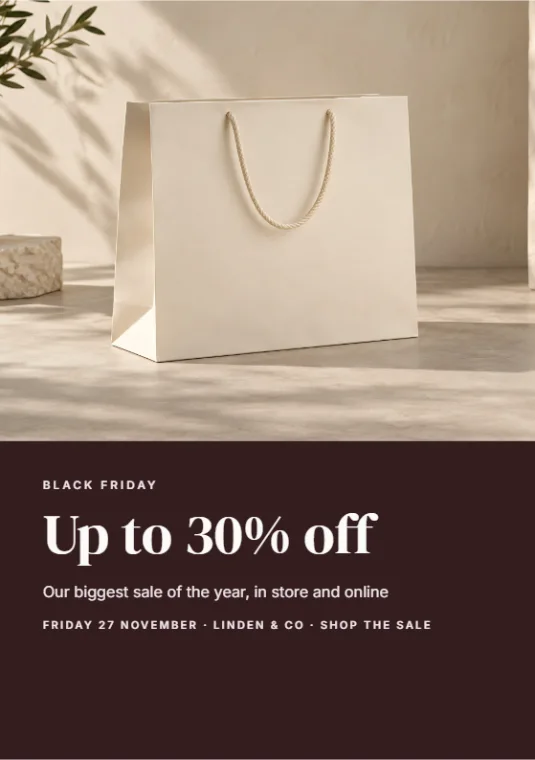
Black Friday sale flyer
“Find a Black Friday flyer template and make it for my shop, Linden & Co, up to 30% off, Friday 27 November.”
 DALFAST STUDIO
Open the Studio
Ask in the chat. DALFAST finds a template, makes it yours with your words, and gives you a link to finish, print or share it in the Studio.
https://dalfast.studio/connect/mcpFree to start. You sign in with your own DALFAST Studio account; nothing is ever deleted or paid for without your yes.
Real designs from DALFAST templates. Yours start the same way.
Press Try: the request is copied and your app opens. Paste it, change the words, send.
“Find a Black Friday flyer template and make it for my shop, Linden & Co, up to 30% off, Friday 27 November.”
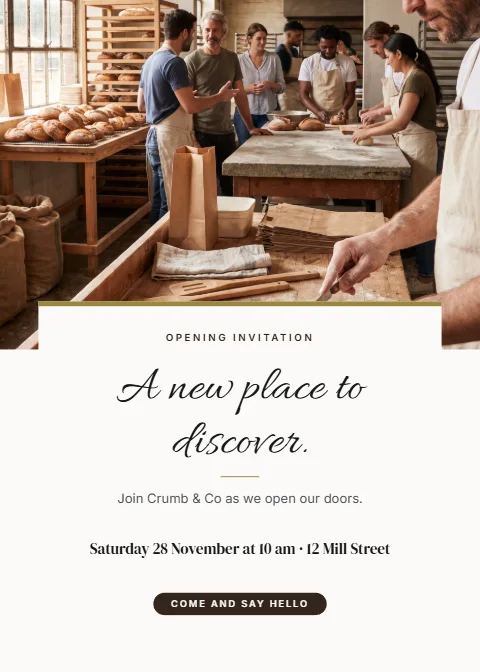
“Make an opening invitation for my bakery, Crumb & Co, Saturday 28 November at 10 am, 12 Mill Street.”
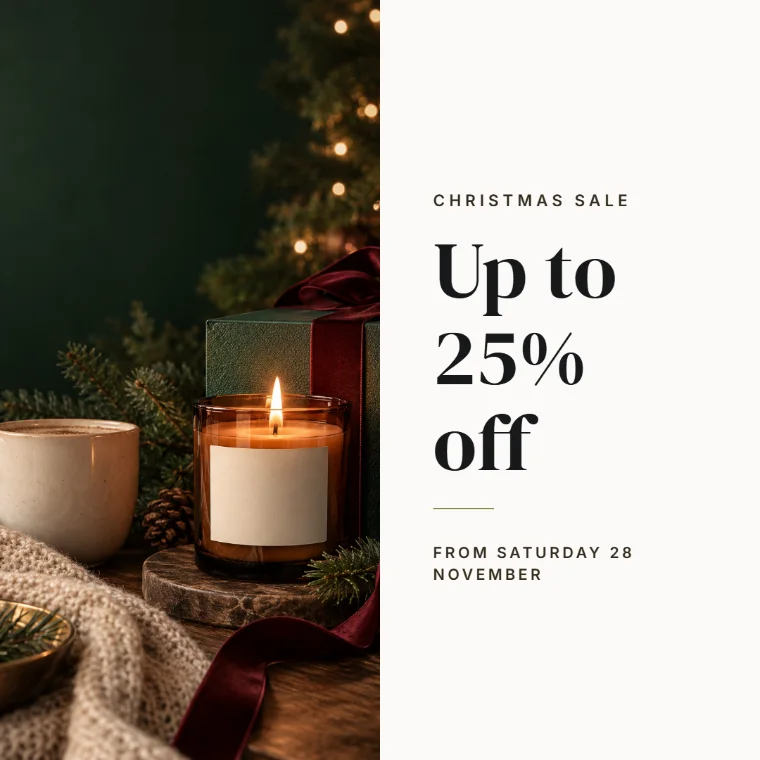
“Make an Instagram post for our Christmas sale: up to 25% off from Saturday 28 November.”
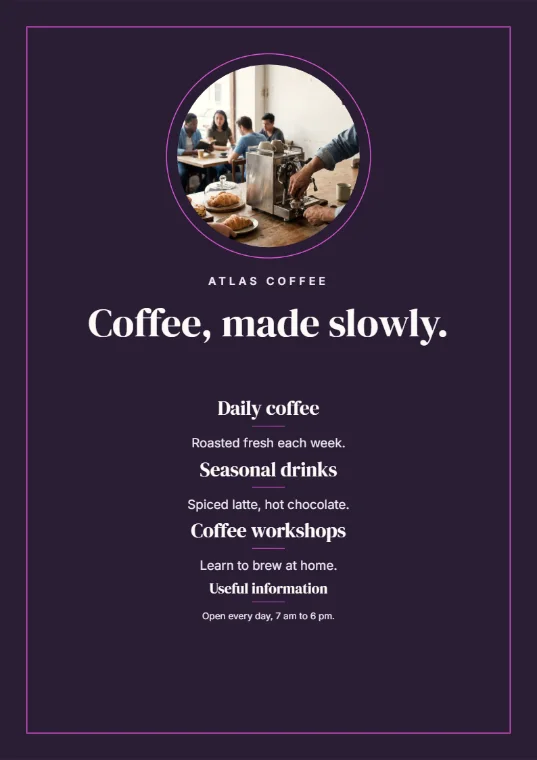
“Find a coffee shop menu template and give me a PDF I can print.”
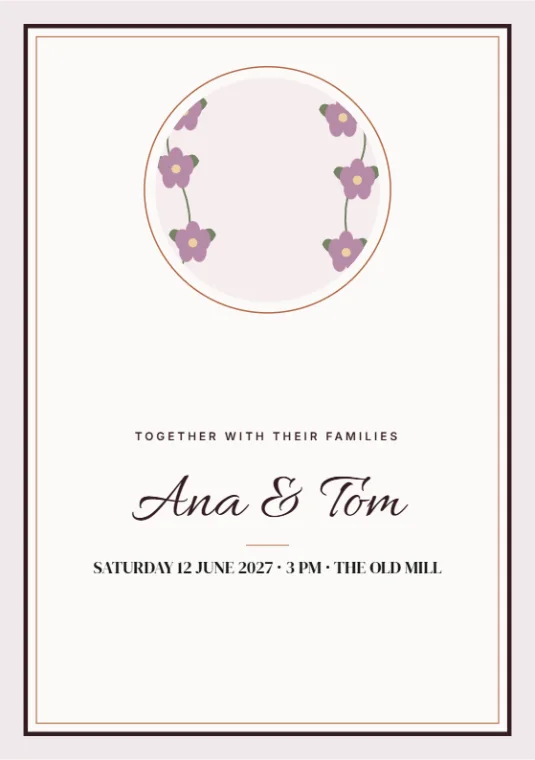
“Make a wedding invitation for Ana and Tom, 12 June 2027 at 3 pm, The Old Mill.”